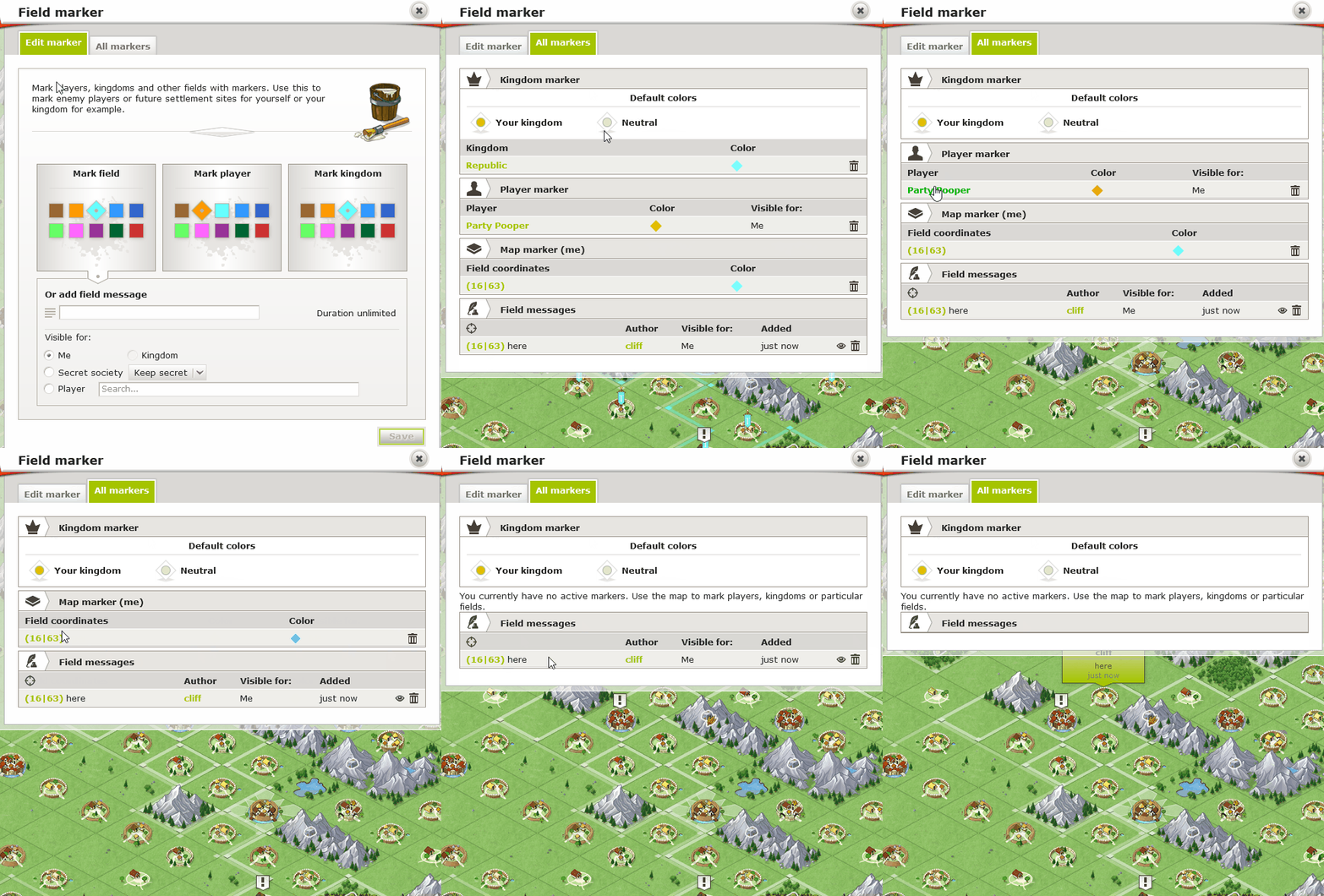
Field markers let you personalize the map by highlighting locations or adding notes. They’re useful for keeping track of important spots, players, or kingdom areas.
Click on a location or village on the map.
Open the radial menu and select the bottom icon: “Mark Field.”
A pop-up will appear with options:
Mark Field: Highlight the selected location with a color.
Mark Player: Add a flag to all villages of the selected player.
Mark Kingdom: Add a flag to all villages belonging to your kingdom.
You can also add a personal message to your marker and choose who can see it:
Only you – stays visible indefinitely.
Another player – visible for 6–48 hours.
Your entire kingdom – visible for 6–48 hours.
Your secret society – visible for 6–48 hours.
? Kings, Vice Kings, and dukes can place kingdom-wide markers visible to all members. Only they can edit or remove those markers.

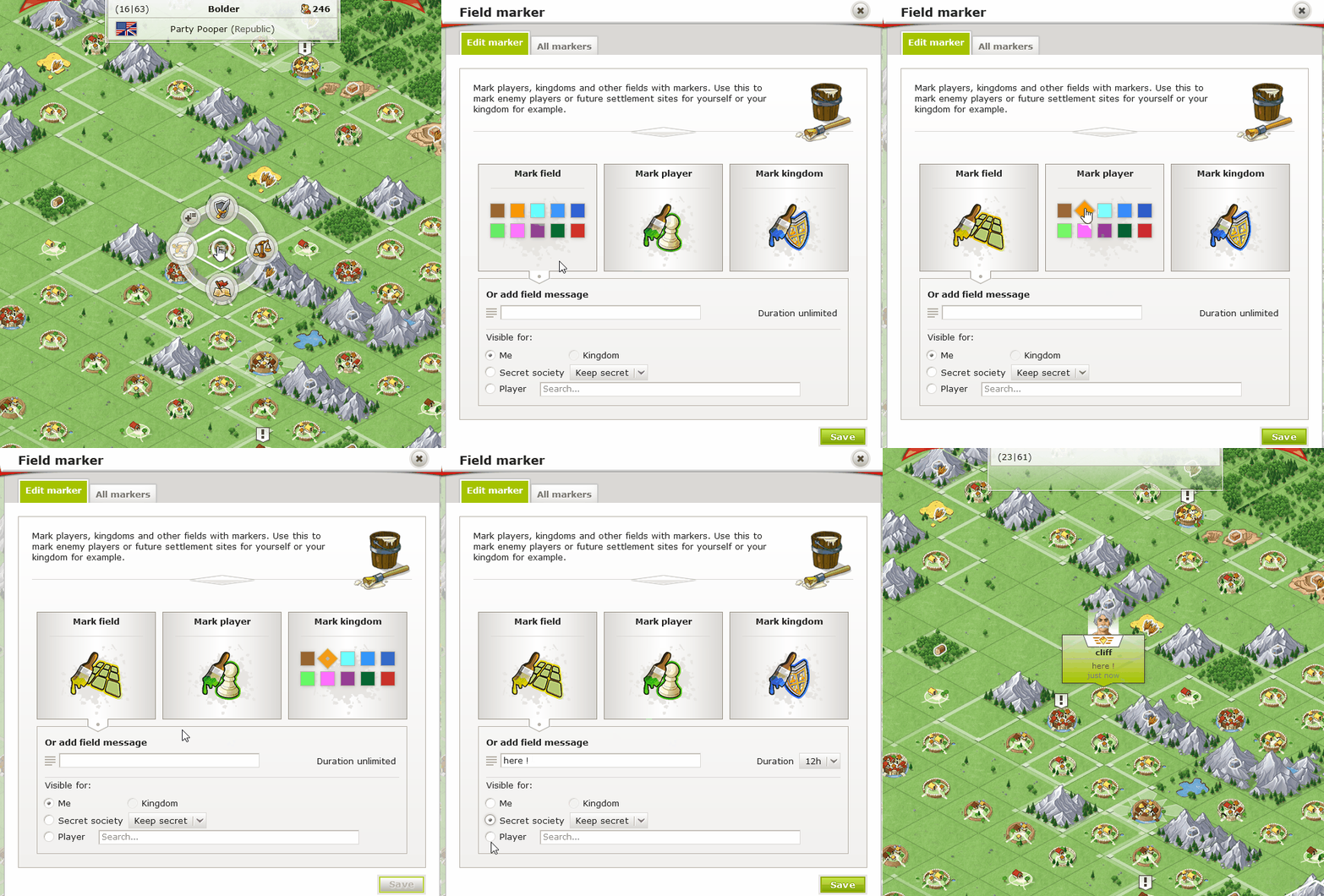
There are two ways to remove a marker:
Edit marker: Using the radial menu: Click on the marked location again and deselect the previously set color or flag.
All markers: Using the second tab of the "Field Marker" pop-up: Here, you'll find a list of all active markers and field messages. Use the trash icon to delete any of them