The Lobby is the first screen you see when joining Travian: Kingdoms. It’s your central hub for managing accounts, accessing game worlds, and finding useful information.
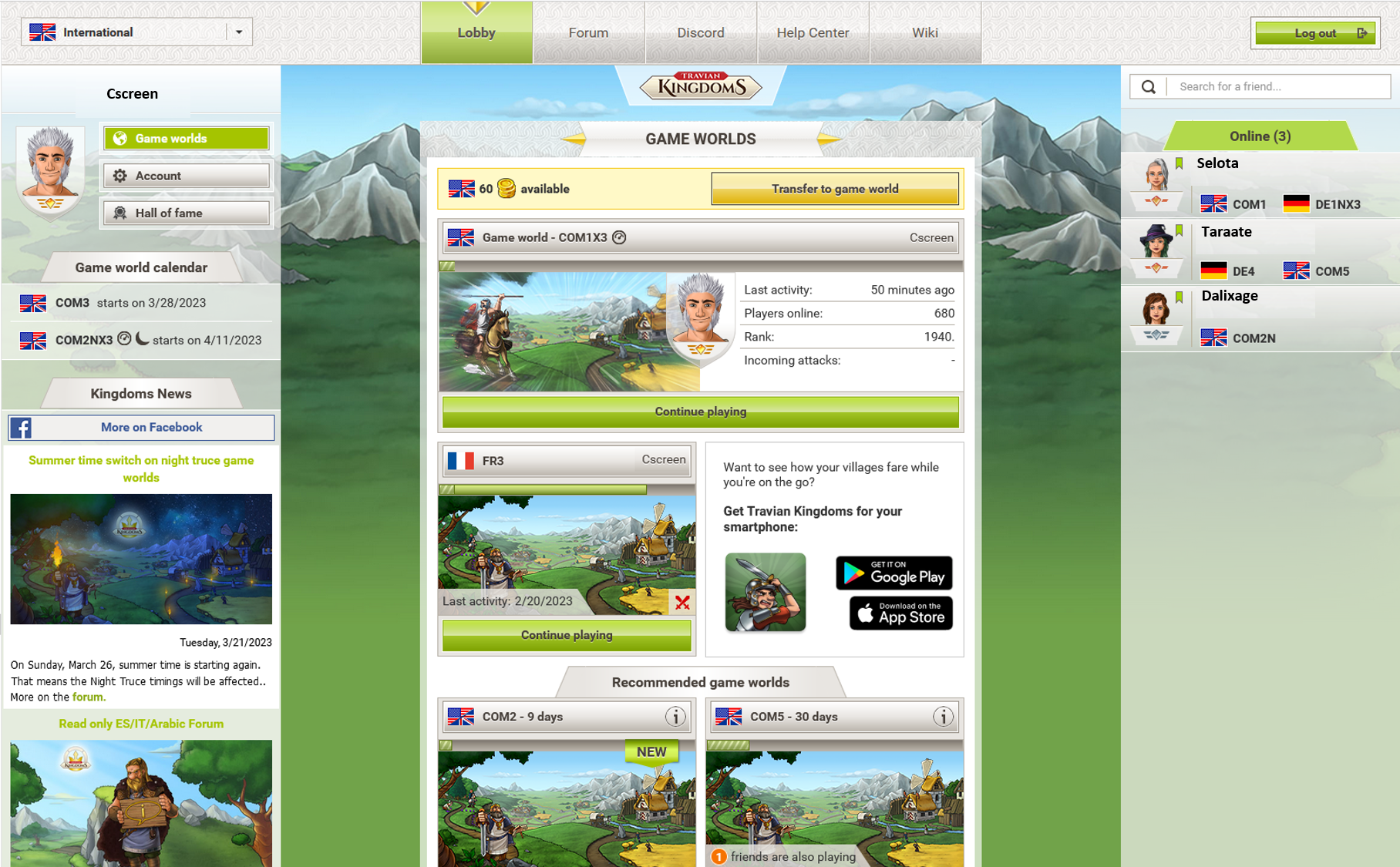
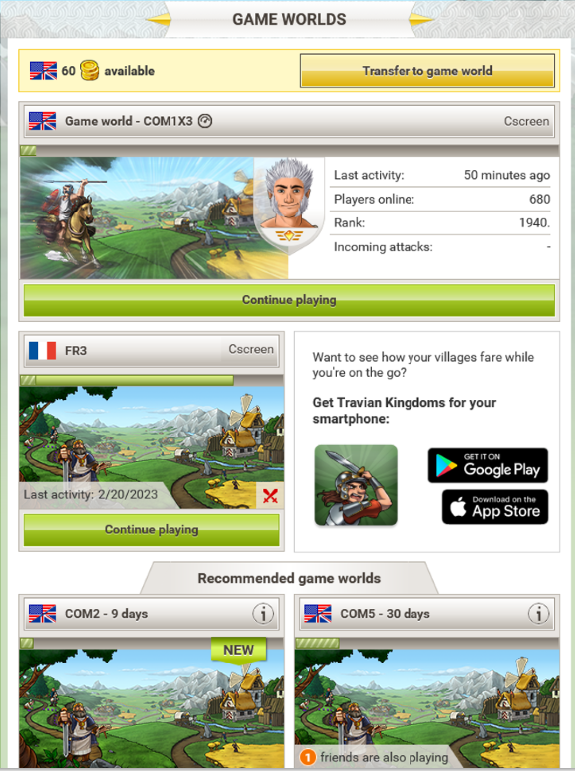
Transferable Gold – If you have Gold available, it’s displayed here. Click the yellow button to transfer it to one of your avatars. How to transfer Gold
Game worlds overview – See all game worlds where you have an active avatar, as well as worlds where you play as a Dual or Sitter.
Add Duals & Sitters – Manage access rights for your avatars. More about Duals & Sitters
Recommended game worlds – If you’re looking for a new challenge, you’ll find suggestions here.
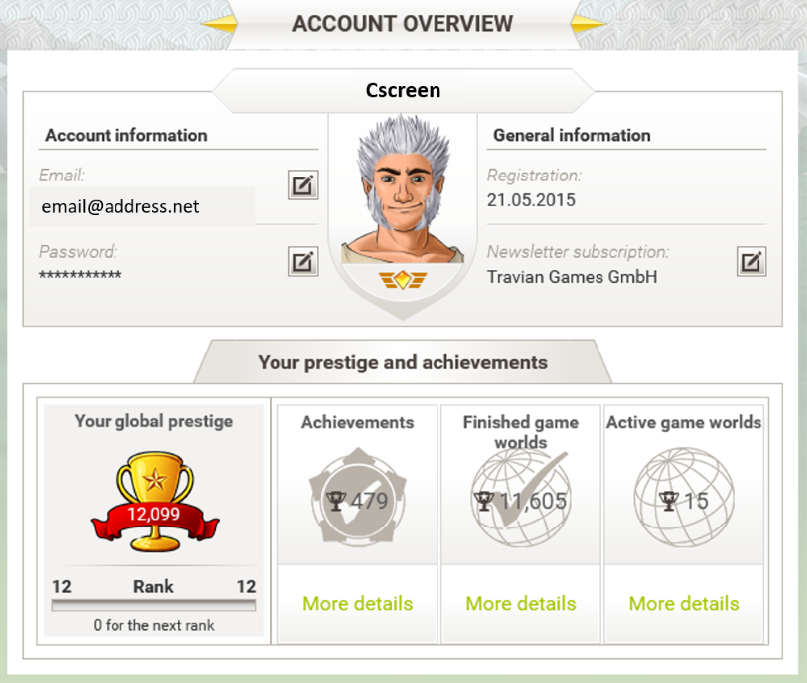
In the account overview, you can:
Update your email address and password.
Subscribe or unsubscribe from the Travian Games newsletter.
Check your Prestige and achievements (earned, in progress, and available to collect).
View the list of game worlds you’ve played or are currently playing.
Prestige is earned by completing achievements and participating in game worlds. Prestige unlocks extra benefits:
Level | Prestige Needed | Special Info |
1 | 25 | – |
2 | 50 | – |
3 | 100 | – |
4 | 200 | Skip Tutorial |
5 | 300 | – |
6 | 400 | – |
7 | 500 | Start as King |
8 | 750 | – |
9 | 1000 | Join a Dynasty |
10 | 2000 | – |
11 | 5000 | – |
12 | 10000 | – |
13 | 20000 | – |
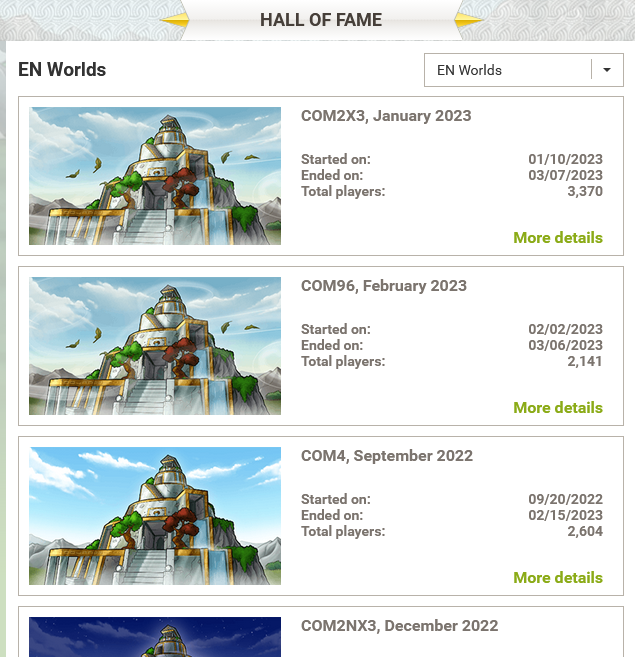
Here you’ll find a record of all completed game worlds.
Use filters to view worlds you played in or specific domains (e.g., by language).
Click “More details” to see statistics, rankings, and the top 3 finishers of each world